






<img height="1" width="1" style="display:none" src="https://www.facebook.com/tr?id=2253229985023706&amp;ev=PageView&amp;noscript=1">

SiberMate MCP

Manage human risk with AI agents

Connect SiberMate to Claude, Codex, and AI agents for awareness, phishing, policy, and breach operations.

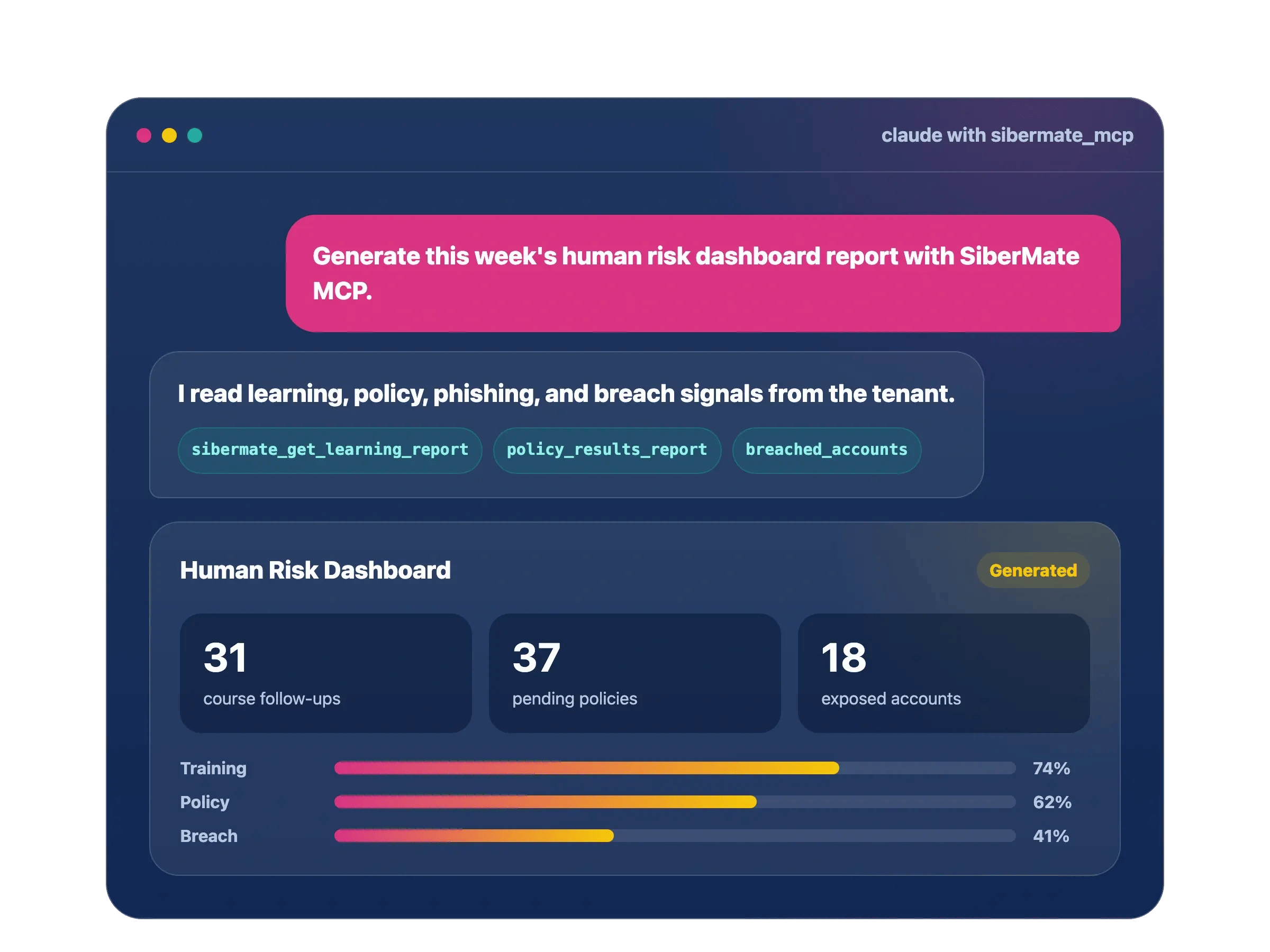
sibermate-mcp-hero-graphic-static-en

Ask. SiberMate runs the workflow.

Give AI agents a safe way to read program status, find risk, and recommend the next action.

section-2-01

Find risky learners

Search for employees with overdue training, failed simulations, unacknowledged policies, or exposed credentials.

section-2-02

Read the full risk picture

Combine learning, phishing, policy, breach, group, and reporting signals in one agent conversation.

section-2-03

Prepare controlled follow-up

Draft reminders, assignments, and remediation with clear learner counts before anyone takes action.

section-2-04

Automate weekly operations

Your agent checks signals, ranks priorities, and summarizes program changes each week.

One MCP interface for every human risk signal

SiberMate MCP connects AI clients to the modules your security team already uses.

Gap

SMLearn

Training progress, course results, gap analysis, and learner engagement.

Phis

SMPhish

Simulation status, learner results, campaign metrics, and readiness signals.

Breach

SMBreach

Breached accounts, affected services, monitored domains, and learner follow-up.

Policy

SMPolicy

Policy templates, assignments, acknowledgements, reminders, and rollout status.
Reduce manual learner admin

SiberMate MCP helps security teams and admins handle daily learner operations without bouncing between menus.

Add learners

Add new learners from an onboarding list, then prepare groups, courses, and policy assignments.

Group learners

Find learners by department, manager, risk signal, or training status for cleaner groups.

Move between groups

Move learners between groups without removing important data or assignments.

Activate or deactivate

Review inactive, resigned, duplicate, or stale learners before activation or deactivation.

Manager cleanup

Check group managers, missing owners, and learners assigned to the wrong group.

Bulk review before action

The agent summarizes learner counts, IDs, source groups, target groups, and risk before a change runs.

Workflows your agent can run

Start with read-only analysis. Add controlled actions when your team is ready.

Weekly awareness operator

Review overdue learners, risky groups, policy gaps, and breach signals each week.

New hire onboarding

Create learner records, add them to groups, and prepare a baseline awareness program.

Policy rollout

Prepare policy assignments, track acknowledgements, and remind pending employees.

Breach-aware follow-up

Map exposed accounts to learners and recommend the right remediation path.

Connect in minutes

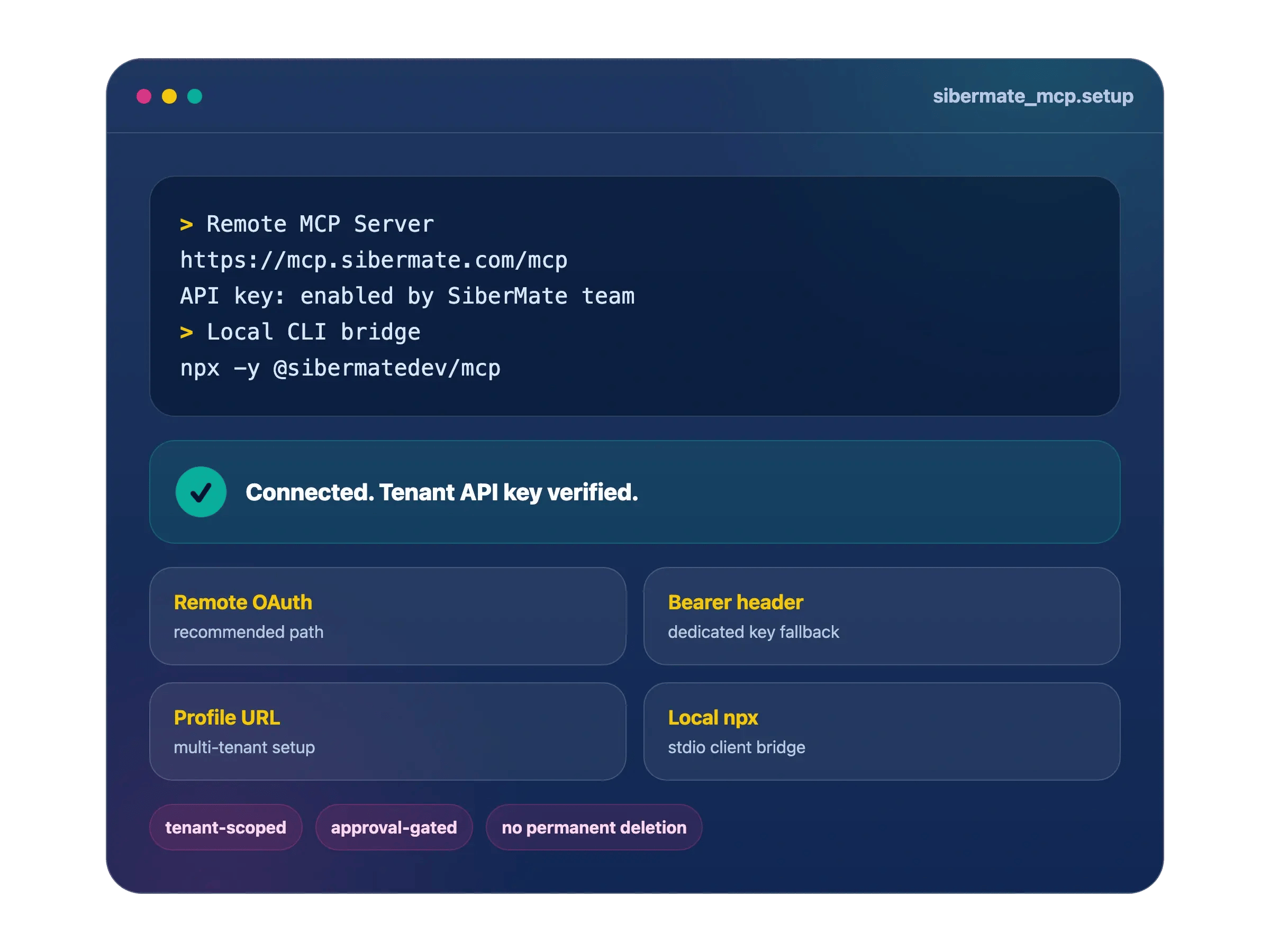
Choose the Remote MCP Server or CLI bridge, authenticate the tenant, and start with read-only workflows.

1. Request API Key

Ask the SiberMate team to enable API access, then get your key from Platform.

2. Choose a setup path

Use Remote MCP Server for supported clients, or CLI bridge for local stdio clients.

3. Connect dan verify

Use the default endpoint or profile URL, then confirm modules and tool access.

sibermate-mcp-setup-graphic-static-transparent-1

Built for controlled automation

SiberMate MCP gives AI agents context, tenant boundaries, and human approval for sensitive operations.

Tenant-scoped access

Each call runs inside the authenticated SiberMate company.

Read before action

The agent reads learner, group, policy, course, and report context before it proposes a change.

Approval for risky steps

Risky steps need clear intent before reminders, removals, deactivations, or group deletions run.

No permanent learner deletion

Keep high-risk deletion in the SiberMate console.

Make AI agents your human risk operator

Bring SiberMate into the workspace where your team investigates, plans, and acts.

WhatsApp Icon Mira